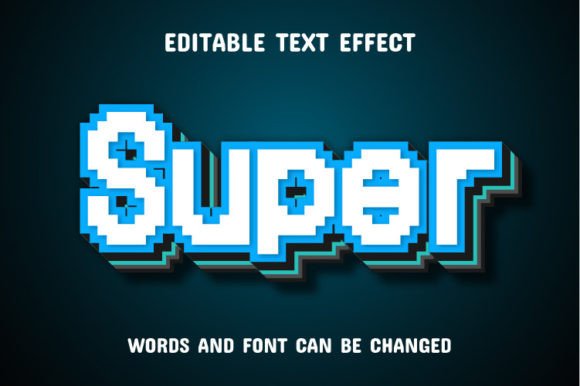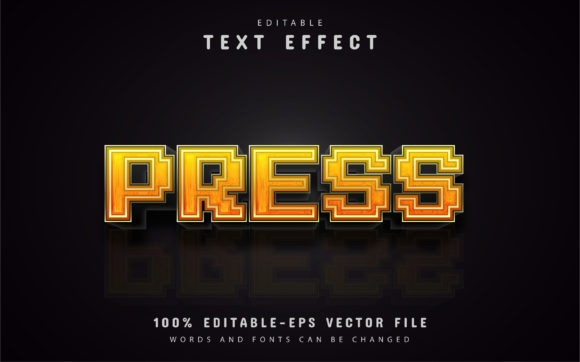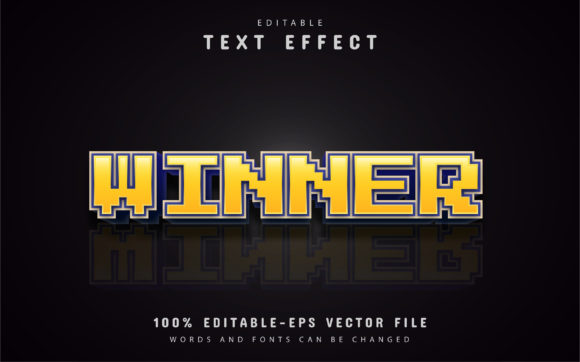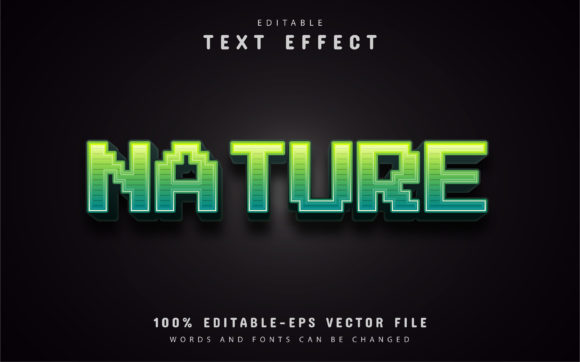
Make Your Typography Pop with Editable Pixel Slice Text Effect
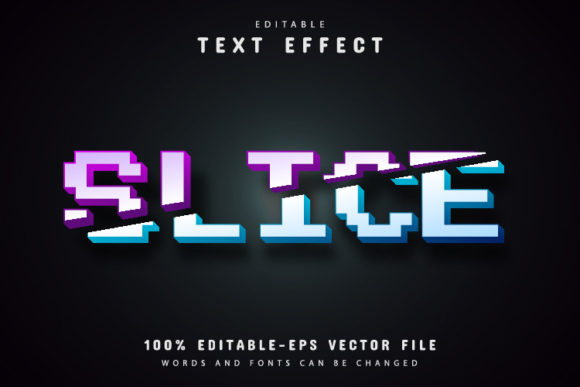
There’s a specific kind of visual energy that catches the eye immediately—it’s sharp, fragmented, and feels like it’s moving even when it’s static. If you’ve ever wanted to bring that glitch-art or digital-destruction vibe to your typography without spending hours manually cutting up vector points, the Editable Pixel Slice Text Effect is a tool you need in your arsenal. It isn’t just a static image; it is a fully editable vector design that allows you to manipulate every aspect of the text while maintaining that high-impact, fragmented aesthetic. Whether you are designing for a music festival, a tech startup, or a gaming channel, this asset bridges the gap between complex visual effects and practical, day-to-day design work.
Vector Flexibility for Modern Branding
One of the biggest hurdles in design is scalability. How many times have you found a cool effect online, downloaded it, and then realized it turns into a pixelated mess the moment you try to stretch it for a banner? This asset solves that problem entirely. Because it is a 100% editable vector, you can enlarge or reduce the size to fit anything from a tiny favicon to a massive billboard in Adobe Illustrator, and the quality will never decrease. This kind of reliability is crucial for brand identity. A brand needs to look consistent across all touchpoints. If your logo uses a sliced effect on your website header, it needs to look just as crisp on your business cards or merchandise.
Think about the versatility this offers for packaging design. Imagine a new energy drink or a line of streetwear. The "Pixel Slice" effect implies speed, technology, and disruption. By using this premium font effect, you can create packaging that jumps off the shelf. Because the text is fully editable, you aren't stuck with the default phrase. You can type out your specific product name, your tagline, or a call to action, and the slice effect applies instantly. This saves you the tedious work of manually distorting text, allowing you to focus on the broader layout and color story of your project.
Unlocking Creative Potential Without the Learning Curve
Accessibility is key in today's fast-paced creative environment. You don't need to be a master typographer to use this asset effectively. The workflow is designed for efficiency. You simply open the file in Adobe Illustrator CS or higher, press "T" on your keyboard to select the Type Tool, click the text, and change it to whatever you need. The effect handles the heavy lifting. This ease of use makes it an excellent resource for small business owners or content creators who might not have advanced technical skills but still want a professional presentation.
The aesthetic of the Editable Pixel Slice Text Effect leans heavily into modern trends. It works beautifully for social media graphics, particularly for platforms like Instagram or TikTok where visual noise is high and you need to stop the scroll. It creates a sense of urgency and excitement that standard sans serif fonts often can't achieve on their own. However, it’s important to consider readability. Because this is a display font style effect, it is best suited for headlines, titles, and short bursts of text. You wouldn't want to use this for a long paragraph in an editorial design or a blog post body, as the fragmented edges could tire the reader's eyes. Instead, pair it with a clean, legible serif or sans-serif font for the body copy to create a balanced hierarchy.
Practical Applications and Customization
The true value of this asset lies in its adaptability. The download includes both EPS and JPG formats, giving you flexibility depending on your software proficiency. While the JPGs are great for quick mockups or drag-and-drop usage in tools like Canva or Photoshop, the EPS vector file is where the magic happens for serious logo design and web design.
Here are a few practical ways to integrate this effect into your next project:
- Event Posters: Create high-energy posters for concerts, tech conferences, or gaming tournaments. The glitch effect screams "digital age."
- YouTube Thumbnails: Use the sliced text to highlight key words in your video titles to increase click-through rates.
- Digital Products: If you sell templates or digital planners, using a unique creative font effect like this can make your product stand out in a crowded marketplace.
- Marketing Assets: For email headers or sale announcements, the "slice" effect can draw attention to discounts or limited-time offers.
Furthermore, the asset offers unlimited color variations. In Adobe Illustrator, you can easily change the color of the slices to match your specific brand palette. Maybe you want a neon green on a black background for a cyberpunk vibe, or perhaps a clean white slice on a pastel background for a more fashion-forward look. This level of customization ensures that the typography doesn't just look cool, but it also serves your strategic goals for visual consistency.
Pairing and Final Polish
When working with a strong stylistic effect like the Editable Pixel Slice Text Effect, font pairing becomes your secret weapon. To ensure your design remains readable and professional, contrast is essential. If your headline is using this glitchy, fragmented style, your sub-headings and body text should be something grounded and stable. A geometric sans serif font often works well, as it shares the modern feel without the visual noise. Alternatively, a classic serif font can provide an interesting, high-fashion contrast.
Before finalizing your design, always test your typography at different sizes. While the vector quality ensures it won't pixelate, the visual weight of the slices might look different on a mobile screen compared to a desktop monitor. Check the spacing (kerning and tracking) as well; sometimes, effects like these can make letters feel too tight or too loose, depending on the specific characters you type.
Ultimately, this asset is about giving you the tools to communicate energy and modernity. It removes the technical barrier to creating complex visual effects, leaving you free to focus on the message. Whether you are revamping a brand identity, launching a new product, or just experimenting with modern typography, having a reliable, editable, and scalable text effect in your toolkit is a game-changer. It allows you to maintain that high-end, professional look across all your design assets without compromising on quality or spending hours on manual editing.