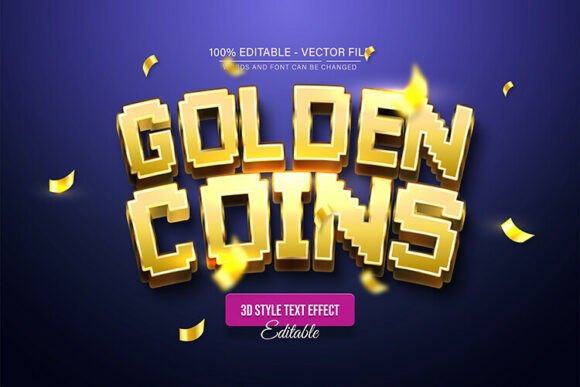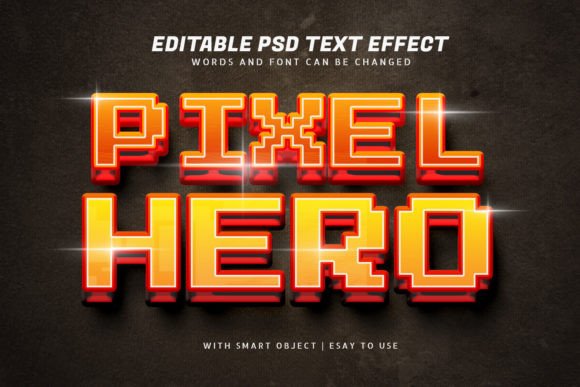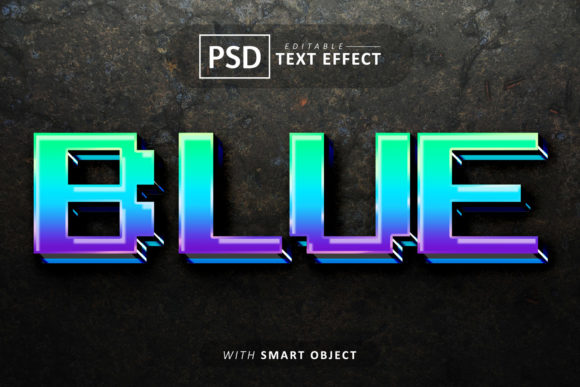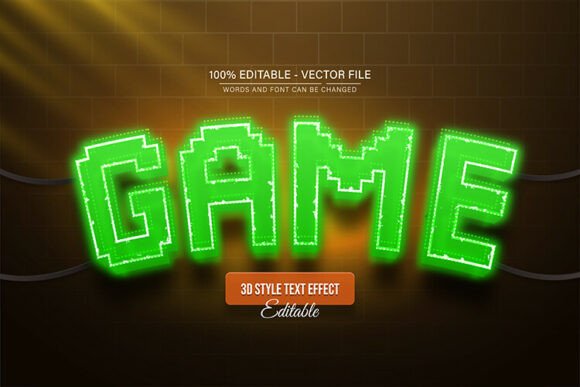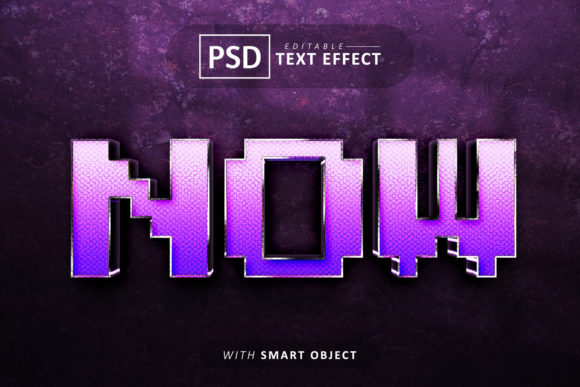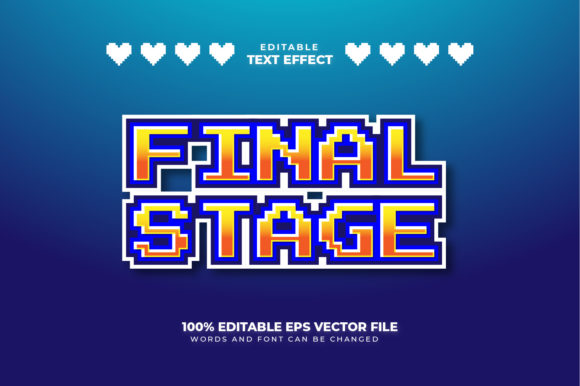
Pixel Text Style Effect: Editable Text for Modern Projects
There’s a certain nostalgia attached to pixel art that instantly evokes memories of classic arcade games and early computing. Yet, in the modern design landscape, the "pixel look" has evolved far beyond retro gaming. It has become a stylistic choice for brands that want to appear tech-savvy, playful, or distinctively bold. If you have been hunting for that specific aesthetic but found standard fonts too rigid, you are going to appreciate the versatility of vector-based text effects. Specifically, a Pixel Text Style Effect that allows for full editing offers a bridge between that charming 8-bit nostalgia and the high-resolution demands of today's commercial branding.
The true power of a design asset lies in its flexibility. When you download a static image, you are stuck with whatever words were typed in the preview. However, when you acquire a fully editable vector design, you are buying a tool, not just a picture. This particular style of digital asset allows you to click directly into the artwork and type your own message. Whether you are designing a logo for a tech startup, creating a flyer for a gaming tournament, or crafting social media posts for a retro-themed cafe, the ability to simply "click and type" changes the entire workflow. It removes the technical barriers that usually come with creating complex text effects from scratch.
Why Vector Matters for Typography
You might hear the term "100% Vector" thrown around frequently, but what does that actually mean for your project? In simple terms, vector graphics are built on mathematical formulas rather than pixels. This is crucial when dealing with a Pixel Text Style Effect. Usually, pixel art is rigid; if you try to enlarge it, it gets blurry or blocky. However, because this is a vector-based effect, you can scale the design from the size of a business card to the size of a billboard without losing a single ounce of quality.
For small business owners and entrepreneurs, this scalability is a lifesaver. Imagine you create a logo using this editable text effect. You might first use it for your website header. Later, you might decide to print it on t-shirts or large format posters. Because the file is vector, you don't need to redesign anything. You simply enlarge the file, and the edges remain perfectly crisp. This ensures your brand identity looks professional across every medium, from digital screens to physical merchandise.
Practical Applications: From Logos to Packaging
The applications for a high-quality Pixel Text Style Effect are surprisingly diverse. It is not limited to just one niche. Here is how different creatives can utilize this editable text asset:
- Logo Design and Branding: If your brand personality is quirky, tech-oriented, or nostalgic, a pixel-style font effect creates an instant visual hook. It stands out against the sea of generic serif and sans-serif logos.
- Social Media Graphics: Attention spans are short on platforms like Instagram and TikTok. A bold, pixelated heading can stop the scroll. You can quickly edit the text to announce sales, new drops, or daily tips, keeping your content fresh and consistent.
- Packaging Design: For products targeting gamers, tech enthusiasts, or a younger demographic, packaging with a retro-digital vibe can significantly boost shelf appeal. The vector nature ensures the print quality is top-notch.
- Invitations and Events: Planning a video game birthday party, a retro 80s bash, or a tech conference? Use this effect to create invitations that set the mood before the guests even arrive.
- Merchandise: T-shirts, mugs, and stickers featuring pixel art are perennial bestsellers. Being able to type custom slogans makes this a perfect asset for print-on-demand businesses.
Streamlining Your Design Workflow
One of the biggest hurdles in design is time. As a content creator or marketer, you often need high-quality visuals fast. This is where the "Easy To Edit" feature becomes a vital asset. Instead of spending hours in Adobe Illustrator trying to manually create a pixel grid and apply 3D effects to letters, this design asset does the heavy lifting for you.
The process is intuitive: you open the file, click the text, and type your new word. Because the effect is applied as a style within the vector software, you maintain the integrity of the design. This efficiency allows you to focus on the message rather than the mechanics of the design software. It is particularly useful for creating marketing assets where you need to produce multiple variations of a graphic—such as different sale prices or different event dates—very quickly.
Ensuring Readability and Professional Presentation
While style is important, it should never compromise readability. A common mistake with display fonts and text effects is choosing aesthetics over legibility. A complex, highly stylized font might look cool on a poster, but if a customer can't read the brand name on a business card, the design has failed.
The beauty of a well-crafted Pixel Text Style Effect is that it usually balances the "noise" of the pixel texture with the clarity of the letterforms. However, it is always wise to test your typography. When using this effect, consider the background. A complex pixel style might get lost against a busy photo background. In such cases, placing the text on a solid color block or using a drop shadow can help. Always print a test copy or view the design on a mobile screen to ensure the text remains sharp and readable at smaller sizes.
Font Pairing: Mixing the Old with the New
Typography rarely exists in a vacuum. You usually need a headline font and a body text font. Pairing a Pixel Text Style Effect with other fonts requires a bit of strategy to maintain visual consistency.
Since pixel art is geometric and grid-based, it pairs exceptionally well with clean, modern sans-serif fonts. The contrast between the textured, retro headline and the clean, minimalist body text creates a pleasing visual hierarchy. For example, if you use the pixel effect for your main headline, try using a font like Helvetica, Roboto, or Open Sans for the paragraph text. Avoid pairing it with overly ornate script fonts or handwritten styles, as the clash between organic curves and rigid grids can look chaotic and unprofessional.
Licensing and Commercial Use
Before you incorporate any design asset into your business, it is vital to understand the licensing. Most premium vector text effects come with a commercial license, allowing you to use them in projects that generate revenue. This includes client work, merchandise sales, and paid digital products.
However, licenses can vary. Some might restrict you from reselling the raw file itself (e.g., you can't just resell the template to other designers), while others might have limits on print runs for physical merchandise. Always read the specific license agreement included with your download. Ensuring you have the right permissions not only protects you legally but also supports the artists who create these high-quality Adobe Illustrator resources.
Ultimately, the goal of any premium font or text effect is to elevate your project. By utilizing a fully editable vector design, you gain the freedom to express your brand's voice with a distinct, retro-modern flair. Whether you are launching a new product line or refreshing your social media presence, this style offers a timeless appeal that resonates with audiences across generations.