Pixel Perfect: Unlocking Dynamic 3D Text Effects
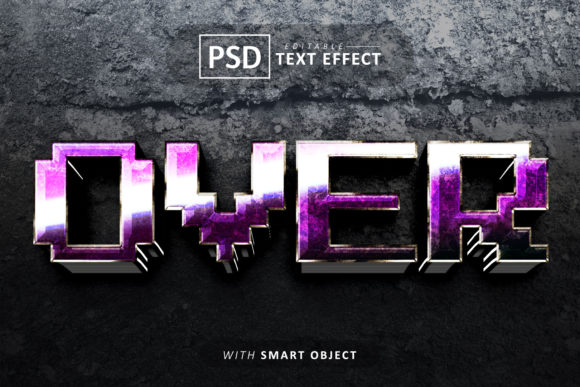
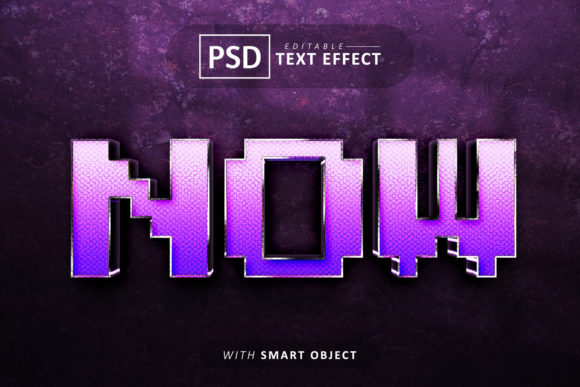
There is a specific kind of visual magic that happens when typography steps off the flat screen and appears to have weight, shadow, and volume. In the crowded world of digital design, where every brand is fighting for a split second of attention, standard flat text often gets lost in the noise. This is where the dimensionality of 3D typography comes into play, offering a tactile quality that draws the eye and anchors a design. However, creating convincing 3D effects from scratch in Adobe Photoshop can be a time-consuming process, often requiring advanced knowledge of lighting, perspective, and layer management. For designers, marketers, and entrepreneurs who need high-impact visuals without the steep learning curve or the hours of manual labor, having a robust toolkit is essential. This is why the Creative Pixel 3d Editable Text Effects package has become a valuable asset for those looking to add depth and character to their projects instantly.
The Anatomy of the Toolkit
What separates a mediocre text effect from a professional design asset is the quality of the source files and the flexibility of the editing process. This particular package is designed with professional workflow in mind, starting with the file inclusions. You receive the PSD (Photoshop) File, which is the heart of the product, allowing for deep customization. Alongside this, a HQ JPG File is provided, offering a high-quality preview that is useful for client presentations or quick visual references before diving into the editing phase. Perhaps most importantly for those new to the resource, a Help file.txt is included. This ensures that even if you aren't a Photoshop expert, you have a roadmap to success.
The technical specifications of the Creative Pixel 3d Editable Text Effects ensure that the final output is suitable for both digital and print mediums. The files are set to 300 DPI, which is the industry standard for high-resolution printing. Whether you are designing a magazine cover, a poster, or a brochure, you can rest assured that the text will remain crisp and free of pixelation. Furthermore, the use of Smart Objects in the PSD file is a game-changer. Smart Objects allow you to edit the original text or shape without permanently altering the 3D effects applied to it. This non-destructive workflow means you can experiment freely, swapping out words and colors until the design perfectly matches your vision.
Visual Appeal and Aesthetic Versatility
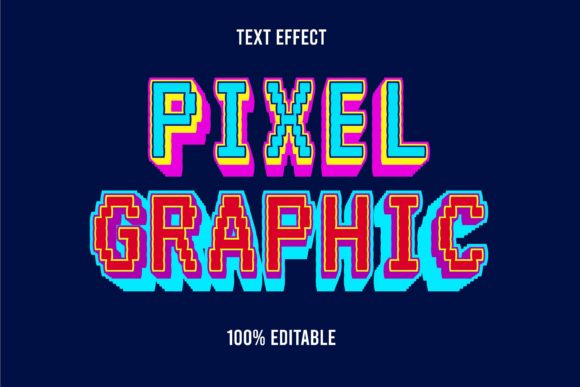
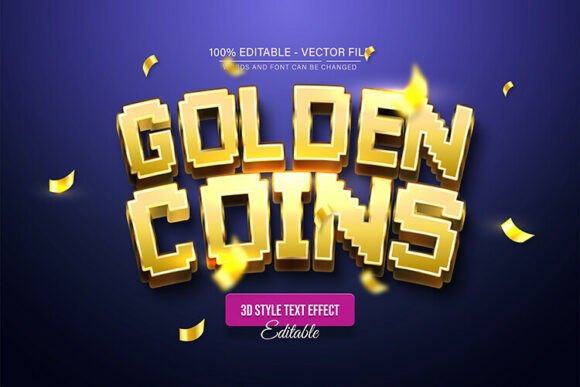
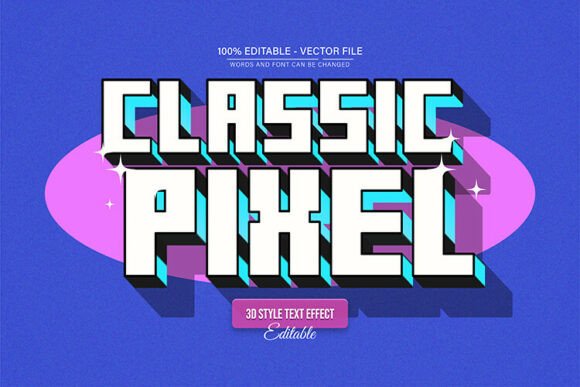
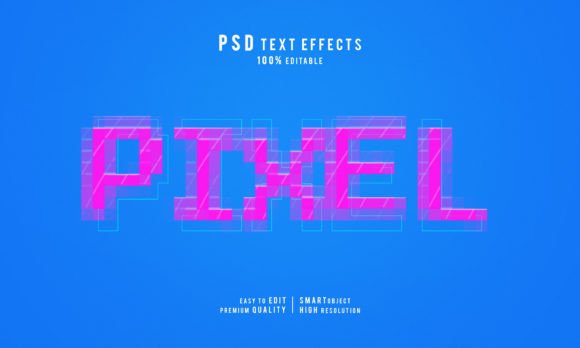
The "Pixel" aspect of this design style brings a unique aesthetic that blends nostalgia with modern depth. It evokes the retro charm of 8-bit gaming and early digital interfaces, yet the 3D rendering grounds it in contemporary design trends. This makes the Creative Pixel 3d Editable Text Effects incredibly versatile. It is not just a single look; because the effects are editable, you can manipulate the color and the intensity of the 3D elements to suit different moods. Want a vibrant, neon-glow look for a party flyer? You can do that. Need a subtle, metallic sheen for a corporate presentation? That is possible too.
For those concerned about compatibility, the package is optimized for Adobe Photoshop CC versions, ensuring that you are working with the latest features and stability. Additionally, typography is often the biggest hidden cost in design, but this package includes a link to a Free Font within the help file. This thoughtful inclusion removes the hassle of hunting for a typeface that complements the pixel style, ensuring that the visual consistency of your project is maintained from the moment you open the file.
Practical Applications for Business and Creativity
The true value of any design asset lies in its application. How can the Creative Pixel 3d Editable Text Effects be used to solve real-world problems for business owners and creatives?
Branding and Logo Design
For startups, particularly in the tech, gaming, or entertainment sectors, a logo needs to be memorable. A flat, sans-serif wordmark might be clean, but it often lacks personality. By applying these 3D effects, you can transform a simple logotype into a dynamic brand mark that stands out on a website header or a business card. The ability to edit the color means you can perfectly match the text to your existing brand palette, ensuring visual consistency across all platforms.
Social Media and Content Creation
Algorithms on platforms like Instagram, TikTok, and Pinterest favor content that stops the scroll. Thumbnails for YouTube videos or promotional graphics for Facebook ads benefit immensely from bold, dimensional text. The Creative Pixel 3d Editable Text Effects allow content creators to produce eye-catching titles for their posts in minutes rather than hours. This efficiency is crucial for maintaining a consistent posting schedule without sacrificing quality.
Packaging and Merchandise
If you are selling physical products, packaging is your silent salesperson. The tactile feel of 3D text on a box design can imply quality and value. Similarly, for merchandise like t-shirts, mugs, or stickers, the pixelated 3D style offers a trendy, youthful vibe that appeals to a broad demographic. Because the files are high-resolution, the transition from screen to print is seamless.
Design Strategy: Pairing and Readability
While the Creative Pixel 3d Editable Text Effects are visually striking, they function best as a display font or headline element. In typography strategy, it is vital to consider readability. Highly stylized, 3D text is perfect for short bursts of information—titles, headers, logos, and calls to action. However, for body text or long paragraphs, the pixel style can become tiring to read.
A practical approach is to pair this creative asset with a clean, legible sans serif font or a simple serif font for your supporting text. For example, if you are designing a poster for a retro-themed event, use the 3D pixel effect for the event name and date, but use a standard sans-serif like Helvetica or Open Sans for the location details and ticket information. This contrast creates a visual hierarchy, guiding the viewer’s eye to the most important information first.
When testing your designs, always view them at the size they will be consumed. A title that looks incredible on a 27-inch monitor might lose detail on a mobile screen if the pixel effect is too intricate. Zoom out frequently to ensure the "editable effects" maintain their clarity and impact across different devices.
Customization and Workflow Efficiency
One of the standout features of this package is the ease of customization. The claim of being "Easy to customize" is backed by the Smart Object technology. The typical workflow involves double-clicking the Smart Object layer, typing your new text in the separate window that opens, saving, and returning to the main file to see your new text instantly wrapped in the 3D pixel effect. This "plug-and-play" functionality is a massive time-saver for agencies handling multiple clients or entrepreneurs wearing many hats.
Moreover, the ability to edit effects allows you to adapt the asset to different seasons or campaigns. You might use a cool blue palette for a winter sale and switch to warm reds and oranges for a summer promotion, all using the same base file. This extends the lifecycle of the product, making it a sustainable addition to your design library.
Final Thoughts on Professional Presentation
In the digital marketplace, presentation is everything. A professional appearance builds trust, and high-quality visuals signal competence. The Creative Pixel 3d Editable Text Effects provide a bridge between amateur design and professional polish. They offer the visual complexity of advanced 3D modeling with the accessibility of a template.
Whether you are a graphic designer looking to speed up your workflow, a small business owner trying to create your own marketing materials, or a hobbyist making invitations for a game night, this toolset delivers tangible value. It allows you to leverage modern typography and 3D trends without needing a degree in graphic design. By combining these effects with thoughtful layout and color theory, you can elevate your visual communication and ensure your message is not just seen, but remembered.