Unlock Depth: Creating Impact with Pixel 3D Text Effects
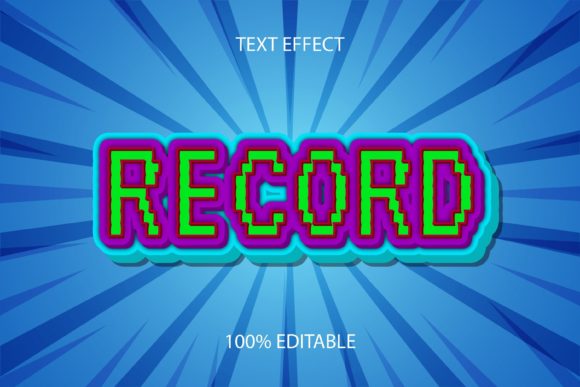
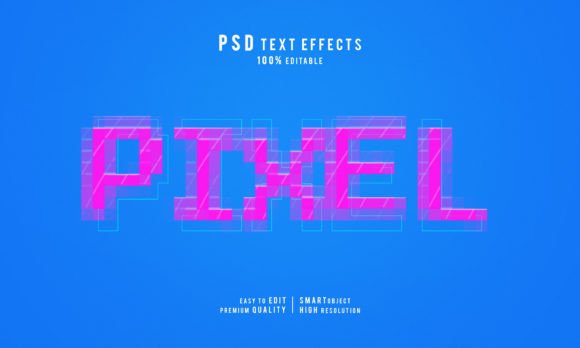
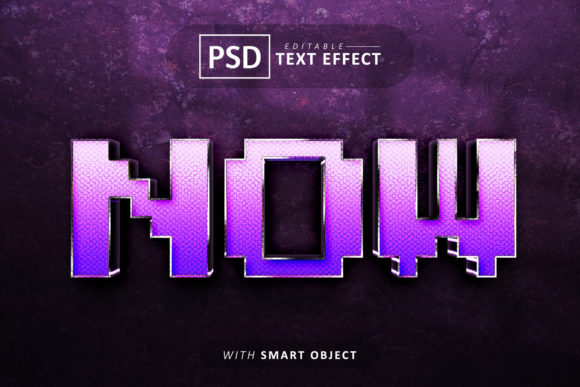
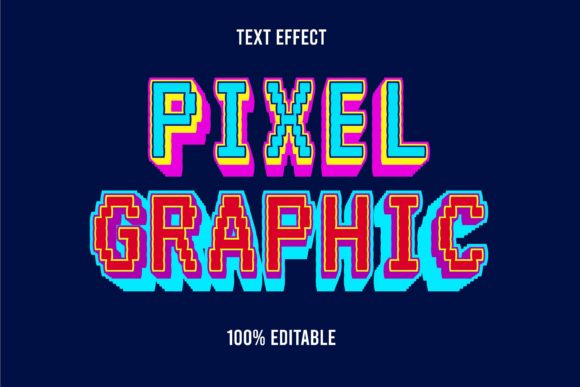
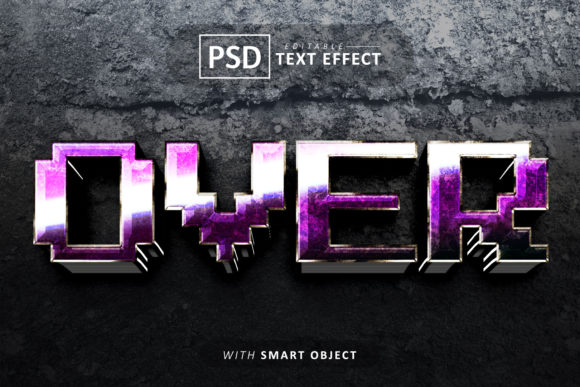
There is a specific kind of visual magic that happens when flat typography suddenly pops off the screen, catching the light and casting shadows that suggest real-world weight. For anyone working in digital design, from social media managers to branding specialists, achieving this look usually involves complex lighting settings and rendering times. However, the Over Pixel 3d Text Effect Editable offers a shortcut to that professional depth. It is not just about adding a drop shadow; it is about simulating a physical, pixelated texture that feels tactile and modern. Whether you are building a brand identity for a tech startup or designing a poster for a gaming event, this style bridges the gap between retro nostalgia and contemporary 3D design.
Why Texture Matters in Modern Branding
In an era where clean, flat design dominates the market, adding a subtle texture can be the differentiator that makes your brand memorable. The "Over Pixel" aesthetic taps into a specific visual language—it suggests precision, digital craftsmanship, and a nod to the building blocks of our screens. When you apply this effect to your logo design or header graphics, you are not just choosing a font; you are choosing a mood.
Consider the difference between a standard sans-serif title and one that features this 3D pixel treatment. The standard text communicates information. The textured text communicates a brand identity. It tells the viewer that you care about the details. This is particularly effective for:
- Tech and Gaming: Naturally fits the subject matter, reinforcing the digital nature of the product.
- Creative Agencies: Demonstrates technical skill and an understanding of current design trends.
- Event Promotion: Grabs attention on flyers and posters where visual noise is high.
Streamlining Your Workflow with Smart Objects
One of the biggest hurdles in graphic design is the time it takes to achieve high-quality results. Traditional 3D text effects often require exporting from Illustrator to Photoshop, adjusting extrusion depths, and manually painting highlights. This is where the utility of a text effect PSD file becomes undeniable. The specific workflow provided by this template relies on Smart Objects.
For the uninitiated, a Smart Object is essentially a container within Photoshop that preserves the source content of an image. In practical terms, this means you can edit the text without destroying the effect. You simply double-click the Smart Object layer, type your new phrase—be it a company name, a headline, or a call to action—and save. The 3D pixel distortion automatically updates to wrap around your new letters. This feature is a lifesaver for content creators who need to generate multiple variations of graphics for social media or marketing assets on a tight deadline.
Practical Applications: From Packaging to Web Design
The versatility of a 100% editable text effect extends far beyond just making cool logos. Because the files are delivered as high-quality PSDs and JPEG previews, you have the flexibility to integrate them into a wide array of projects.
Physical Products and Packaging
If you are designing for a product box, a tote bag, or a t-shirt, the pixel 3D text effect adds a tactile quality that looks fantastic in print. It mimics embroidery or embossing, giving the packaging a premium feel. Since the template includes commercial use fonts, you do not have to worry about licensing issues when you sell the final product.
Digital Presence and Editorial Layouts
On websites and blogs, this effect works best as a hero image or section header. It draws the eye immediately. Imagine an editorial design for a tech magazine or a blog post about the future of AI; using this effect for the pull quotes or the main title anchors the page visually. It breaks the monotony of standard web typography.
Invitations and Merchandise
For crafters and hobbyists, the application is just as fun. Creating birthday invitations for a "retro arcade" theme or designing merchandise for a YouTube channel becomes significantly easier. You do not need to be a 3D modeling expert to get that depth; the template handles the heavy lifting, allowing you to focus on the message.
Mastering Font Pairings and Readability
While the Over Pixel 3d Text Effect is visually striking, it is a display style. This means it is best used for headlines, logos, and short bursts of text rather than long paragraphs. A critical part of using such a bold typeface is pairing it correctly to maintain readability.
Because the pixel effect adds visual weight and complexity, your supporting text should be simpler. A clean sans serif font or a straightforward serif font usually works best for body copy. This creates a hierarchy that guides the reader's eye: the 3D text grabs attention, and the clean text delivers the detailed message.
Here are a few tips for pairing:
- Contrast is Key: If your 3D headline is angular and tech-focused, pair it with a softer, rounded sans-serif for the body text to balance the composition.
- Watch the Weight: Since the effect adds "bulk" to the letters, ensure your surrounding layout has enough white space. Do not crowd the 3D text with other heavy elements.
- Color Coordination: Use the colors present in the 3D lighting of the effect to pick your accent colors for buttons, links, or subheadings. This ensures visual consistency.
Customization and Commercial Freedom
A common frustration with design assets is the "locked" nature of the files. You download a cool effect only to find you cannot change the color, the angle, or the font. This template addresses that by being well organized and fully customizable. You can resize the objects without losing quality, which is essential when adapting a design from an Instagram story (vertical) to a Facebook cover (horizontal) or a printed poster (high DPI).
Furthermore, the inclusion of commercial use fonts is a massive benefit for entrepreneurs. It removes the legal gray area that often plagues design projects. You can confidently use your creation for client work, merchandise sales, or digital products knowing that the licensing is covered. This peace of mind allows you to focus on what matters: creating high quality visuals that resonate with your audience.
Ultimately, this resource is about accessibility. It democratizes a complex style of modern typography